Most grassroots football clubs are not competing with professional clubs for attention. They are competing for a few minutes of a busy parent's evening. Somebody wants to know whether there is a team for their nine-year-old, when training is, what it costs and how to sign up, and they are usually checking on a phone. That short visit is where football club website design either makes joining feel easy or sends the family to the club down the road that answered faster.
This guide is for volunteer-run junior, youth and amateur clubs, whether you call it football or soccer, stuck with an old template, a site nobody can log into or a Facebook page doing a website's job. It follows the questions parents and new players ask, in roughly the order they ask them.
What parents and players check first
Whether someone searched for your club by name, typed "junior football near me" or "girls soccer [town]", or followed a link from the school newsletter, they usually want five answers before they do anything else:
- Is there a team for me or my child? The right age group, gender and level, whether that is mini-soccer, girls' teams, an adult side or walking football.
- Where and when? Training night, kick-off times and the actual ground.
- How do we join? A trial, a taster session, a waiting list or straight registration.
- Roughly what does it cost? Subs, registration fees and kit.
- Is this a safe, well-run club? Named welfare contacts, clear policies and signs of life.
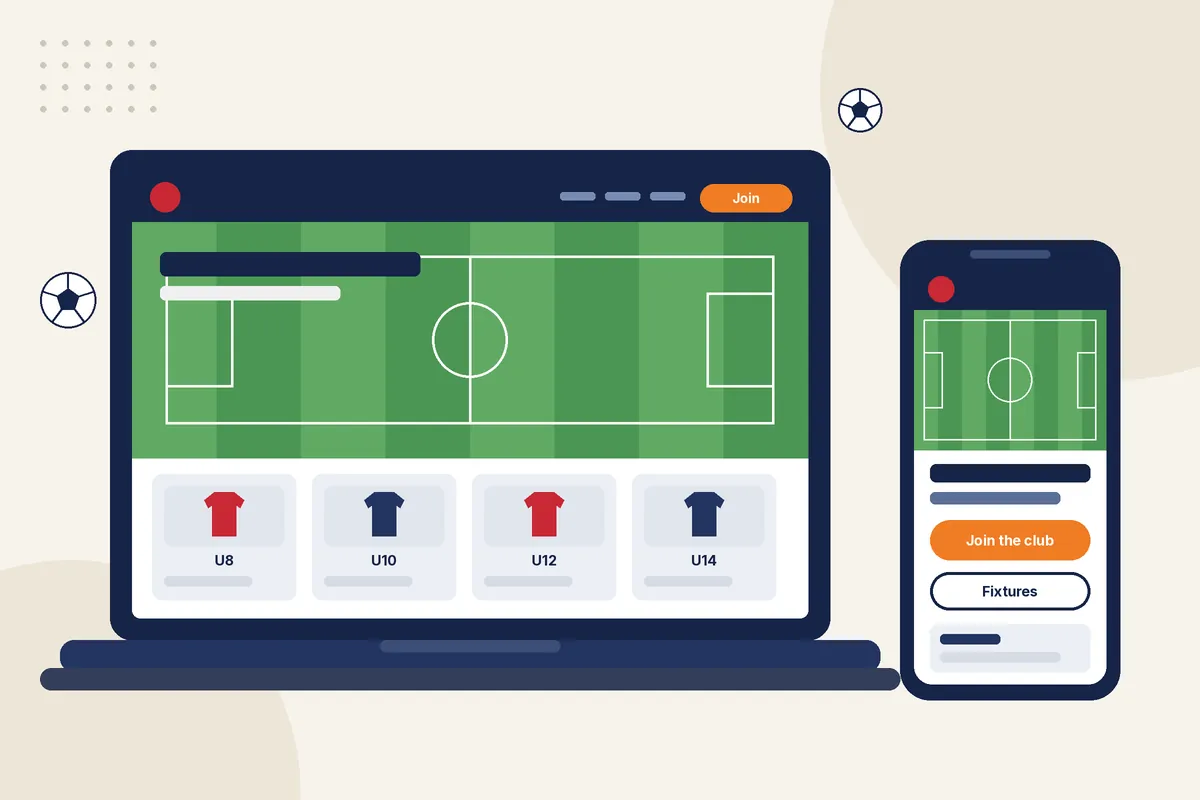
Many club websites open with the club's history and a gallery from three seasons ago. That is not what a new family is looking for. Strong football club website design puts age groups, the next training session or fixture and a clear "Join the club" action at the top of the page.
A homepage that volunteers can keep current
Keep the homepage short and in this order:
- A plain headline that says who you are and where: "Junior and girls' football in [town], U7 to U18" works harder than "Welcome to our website".
- One primary action, such as "Register interest" or "Join the club", easy to tap on a phone and worded the same way on every page.
- Teams and age groups as a simple list or grid that links to a page for each team, not a PDF buried in a menu.
- This week: the next training session or fixture, even if it is a single line such as "U10s train Tuesdays, 6pm, [ground]".
- Location: the ground name, a map link and parking notes.
- A short safeguarding statement linking to your full safeguarding page.
Remove the leftovers: empty "Coming soon" team pages, a news feed last updated in 2022 and social icons linking to accounts nobody runs. Parents read unfinished corners as a sign of how the club is run.
Team pages are the pages people actually use
After the homepage, the page most families care about is the one for their child's age group. Give each team its own page with:
- The age group and the season it applies to (for example, players born in a given school year)
- Training day, time and venue, plus what to bring
- The coach or manager by name and role, with a club contact route rather than a personal mobile
- Whether the team has space, a waiting list or open trials
A dozen short, accurate team pages beat one long "Teams" page that is out of date by October, and they help with searches like "U12 girls football [town]".
Make joining easier than a Facebook message
"Message us on Facebook" works until the admin is on holiday or the message is buried under match-day chatter. A better joining path on the website looks like this:
- A short interest form: player age or school year, team or age group wanted, parent or player name, email and an optional phone number
- Responses going to a shared role inbox, such as membership@ or secretary@, that more than one volunteer can see
- Season dates and fees written on the page in plain text, not just in a downloadable PDF
- A clear note on what happens next, for example "We reply within a few days and invite you to a free taster session"
If your league or association runs its own registration system, the website does not need to replace it. It just needs to explain the basics and link to the right place, checked at the start of each season.
Fixtures and results without the weekly chaos
The next match is the most checked piece of information on most club websites, and a wrong kick-off time does more damage than no time at all. Practical options:
- Link to or embed your league's official fixtures and results system where it allows it, so there is one source of truth
- Show a simple "This week" block that one named volunteer updates every Monday
- Keep results as a short, readable list rather than a graphics-heavy widget that breaks on phones
- Save news posts for things that matter: trials, presentation nights, fundraising, pitch closures and cancellations
If updating the site is hard, it will go stale. Good football club website design favours blocks a volunteer can edit in five minutes from their phone, with more than one login so the website survives when a committee member steps down.
Safeguarding and trust, said plainly
For youth clubs, safeguarding information is not an extra. Parents look for it, and associations increasingly expect it to be easy to find. The Hertfordshire FA's guidance for grassroots club websites, for example, recommends a dedicated safeguarding section containing the club's safeguarding policy, Club Welfare Officer information, how to report a concern, codes of conduct and links to FA and County FA resources, plus a short safeguarding statement on the homepage. Outside England, it is still a sensible model alongside your own association's rules.
Other trust signals that cost nothing:
- Committee roles with a contact route for each
- Codes of conduct for players, parents and coaches
- Honest descriptions: do not claim "elite pathways" or partnerships the club cannot back up, because families compare the website with what they hear at the school gate
Photos that look like your club, used responsibly
Real photos of your teams, your ground on a match day and your volunteers do far more than stock images of a stadium. They prove the club is active.
With children involved, photos need care. The FA's guidance on photographing and filming children asks clubs to have written parental consent before using a player's image in the public domain, including on the club website, and warns against pairing a child's photo with significant personal information such as their full name. In practice: collect consent at registration, caption photos by team rather than by child, and remove an image quickly if a family asks.
Mobile and speed: the real club noticeboard
Most parents only ever see your website on a phone, often with a weak signal. Check yours for:
- The headline and join button visible without zooming
- Menus that work with one thumb and do not hide the contact link
- Fixture tables that fit the screen without sideways scrolling
- Match photos that are resized and compressed rather than straight off a camera
- No website-builder advertising banner across the top
Google's Core Web Vitals guidance treats the main content of a page appearing within 2.5 seconds as "good". A homepage carrying several large, uncompressed photos will struggle to get there on mobile data.
Local SEO for your club name and town
Most clubs should rank first for their own name, then for phrases such as "junior football [town]" or "girls soccer club [area]". The basics:
- A page title with the club name and town, kept to about 60 characters
- Homepage text that names the town, the ground and the age range in plain sentences
- The same club name, ground and website address on your league page and any directories you use
- Descriptive alt text on images, such as "U12 girls team at [ground]", which helps people using screen readers as well as search
When to rebuild and when to tidy up
Tidy the current site if volunteers can already edit it and the problems are structure, wording and image sizes; our list of signs your website needs a redesign can help you decide. Consider a website redesign when:
- The platform is abandoned, or the only login belongs to someone who left the club
- The site breaks on phones
- Updating fixtures or team pages needs a developer every time
- You need proper team pages, an interest form and a safeguarding section the committee can own
- You want your own colours, crest and tone rather than fighting a generic sports template
A good club site can be small on purpose: home, teams, join, fixtures, news, safeguarding and contact. You can see how we approach this on our football club website design page.
Quick checklist
- Can a new parent find their child's age group and a join button within ten seconds on a phone?
- Is the next training session or fixture visible without opening a PDF?
- Do enquiries go to a shared inbox that someone checks?
- Is the safeguarding section easy to find from the homepage?
- Do you have consent for every photo of a child on the site?
Frequently asked questions
What pages does a football club website need?
A practical starting set is a homepage, a page for each team or age group, a join or registration page, fixtures and results, news, a safeguarding section and a contact page. Add sponsor, shop or history pages once those basics are working.
Is a Facebook page enough for a grassroots club?
Facebook is useful for day-to-day updates, but it is a weak home for age groups, fees, safeguarding policies and registration links. Let the website hold the stable facts and point social posts back to it.
Who should be able to update the club website?
At least two volunteers, each with their own login, ideally including the secretary or welfare officer. That way the site stays current through committee changes and nobody is locked out when one person steps down.
Want a club website that's easy to keep up to date?
Good football club website design isn't about flashy animations or a crest that spins. It's about helping families find a team, turn up on the right night and trust the people running it. The Webinest builds fast, mobile-friendly websites for clubs and small organisations, with simple editing for volunteers and SEO foundations from day one. If you'd like an honest look at your current site, get in touch with our team.